
How to Make a Website: The Ultimate 10-Phase, Effective, Content-First Approach
Need to learn how to make a website? Start with content and purpose first. Learn each step to create a user-focused, SEO-friendly site that truly supports your goals.

Need to learn how to make a website? Start with content and purpose first. Learn each step to create a user-focused, SEO-friendly site that truly supports your goals.

We know you have a lot on your plate, so we’ve made this process as simple and efficient as possible. Your involvement is key to creating a website that reflects your business perfectly. Here’s what to expect and how you can help us help you.
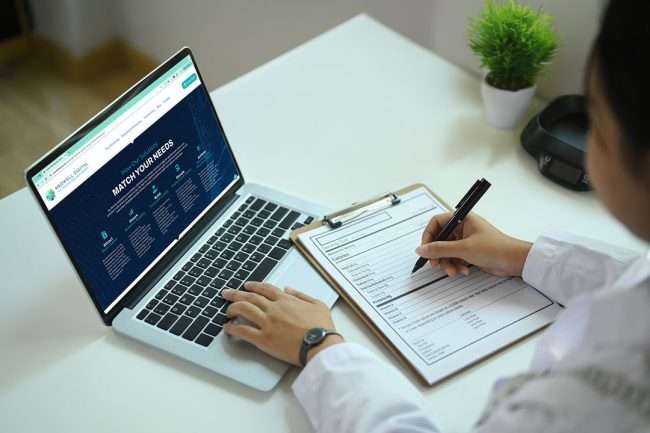
Do you need a website for your Health or Wellness business? YES! We’ll explain why you need a website for your business or organization, emphasizing its crucial role in establishing credibility, generating leads, and providing 24/7 access to all of your important communications. We also cover website alternatives, cost factors,

Enhance your AI prompting with key strategies including clear, concise prompts, providing varied examples, and applying both positive and negative feedback. Experimenting with different AI models further tailors content to your needs, optimizing efficiency and impact in content creation.

The SMART goal-setting framework, which has become an indispensable tool in fields such as project management, personal development, and business, originated from the work of George T. Doran. Doran, a seasoned consultant and former Director of Corporate Planning for Washington Water Power Company, introduced the concept in his article titled

DIY Branding efforts can lead to significant legal and financial risks, including trademark infringement, copyright issues, and inadequate brand protection. Professional branding is crucial to ensure legal compliance, effective crisis management, and overall business growth, avoiding the pitfalls of do-it-yourself approaches.

It does not matter what is used to create a new website. What matters is the planning. Measure twice and cut once is an understatement. Let’s get ready!

In this post, we will focus on writing your text for SEO using best practices such as headers, keywords, word count, and how improved text for SEO, and an automated Table of Contents will improve the readability of your page content.

What are the 8 Accessibility Requirements and do you have an ADA Compliant Website? Make sure your website is accessible for all site visitors with this convenient checklist to verify the accessibility requirements for your website. Let’s make your site ADA compliant!

Here’s the breakdown difference between Image Files PNG and JPG… if you need transparency, go with a PNG. If it’s a photo, go with a JPG.

If you’re a DIY type of person, this is the perfect Website Checklist to test your skills! And this will work for any website, including builders like SquareSpace, WordPress, and others…